Kidnap And Jail Controls
PC and mobile inputs for movement, camera, and interacts
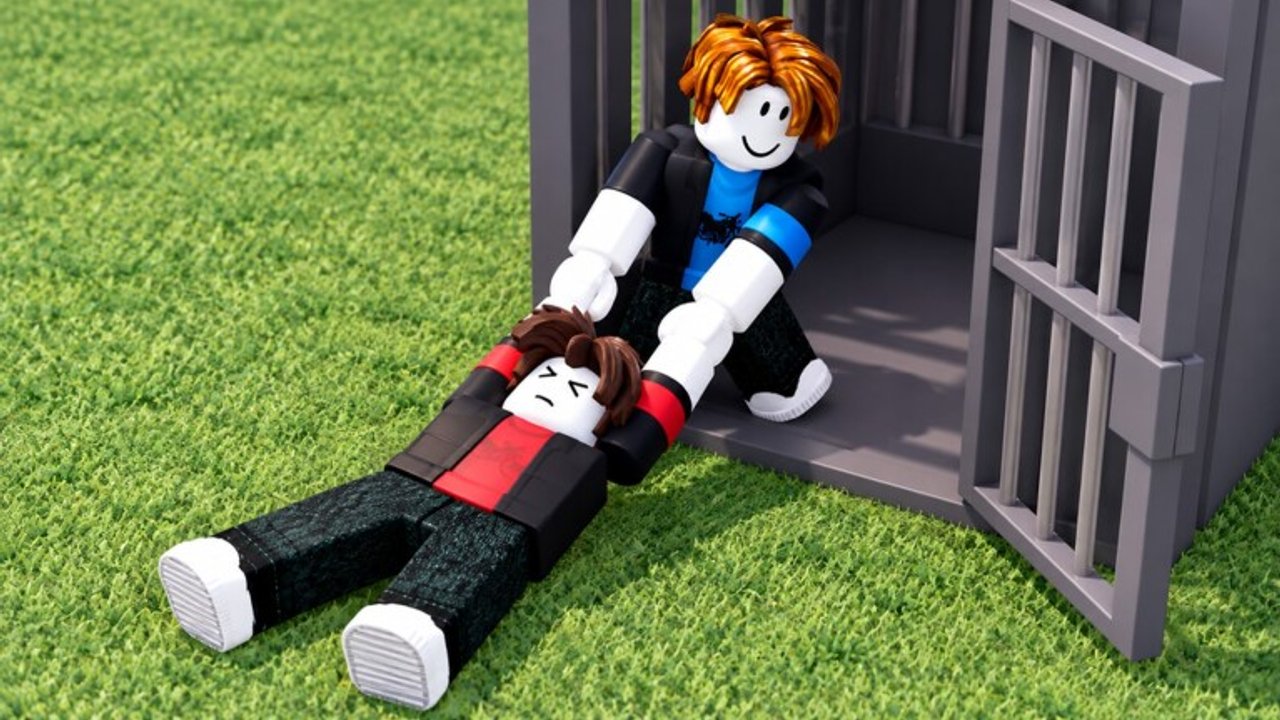
Clean inputs win messy rounds. Kidnap And Jail is a Roblox action / battlegrounds experience where captures, jail locks, and rescues all depend on timely movement and interact prompts. This page documents the known control conventions for PC and mobile, notes where studio patches can remap things, and ties inputs back to the tactics in our other guides. There is no dedicated official controls trailer embedded here—practice in a live server after you skim the tables.
RoDark Studios (Myron, Kasper, Tristan) continues to iterate after the 16 September 2026 launch. If Discord announces a binding change, trust Updates over any printed table that falls behind.
Design goal of the control scheme
Kidnap And Jail needs you to:
- Move quickly across streets and rooftops
- Track enemies with a responsive camera
- Hit contextual interacts for kidnap, jail, and free actions
- Stay oriented in up to 40-player fights without losing the jail doorway on your minimap of the mind
You do not need a forty-key combosheet. You need reliable movement, jump timing for ledges, and the discipline to look at prompts before spamming.
PC controls (standard Roblox team PvP conventions)
| Action | Typical input | Notes |
|---|---|---|
| Move | W A S D | Strafe while camera-tracking pursuers |
| Jump | Space | Vault ledges and break street sprint paths |
| Camera | Mouse | Keep roofs in frame before commits |
| Sprint | Shift (when enabled) | Do not sprint blind into alleys |
| Interact / contextual | E or on-screen prompt key | Kidnap, jail, free, and world prompts |
| Chat | / | Call “grabbed” and jail directions |
| Roblox menu | Esc | Leave only between rounds if possible |
If a prompt appears near a player or cell and E does nothing, you are out of range, on cooldown, or looking at the wrong angle. Re-center the camera on the prompt highlight rather than mashing.
Mobile controls
Kidnap And Jail supports mobile play. Touch layouts vary with Roblox’s dynamic thumbstick and developer UI, but the loop matches PC:
| Action | Typical mobile control | Notes |
|---|---|---|
| Move | Left thumbstick | Ease off sprint lines under enemy roofs |
| Jump | On-screen jump button | Practice roof landings in empty moments |
| Camera | Drag on open screen space | Keep one eye on vertical threats |
| Interact | Contextual button when prompted | Tap once; spam can miss follow-ups |
| Chat | Chat button | Pre-bind short callouts with friends |
On smaller phones, move the jump and interact buttons so your thumb does not cover the doorway when you rescue. Roblox settings let many players tweak touch opacity and positions—do that before a serious squad night.
Controller players
If you play on a gamepad through Roblox, expect left stick movement, face-button jump, and a contextual interact on a face button or trigger depending on platform defaults. Camera sensitivity matters more than raw stick speed: lower sensitivity slightly if rooftop tracking feels slippery. Confirm your platform’s Roblox controller map in a private moment before ranked-feeling pubs.
Sensitivity and camera habits
- PC: Raise sensitivity until a 180 to check a roof does not require three mouse swipes, but not so high that jail door aiming becomes jitter.
- Mobile: Use a claw or higher grip if you need simultaneous move, look, and interact—kidnap pipelines punish one-thumb play.
- Shared tip: Before every commit, do a half-second vertical check. The How to Kidnap pipeline assumes you actually see the second enemy.
Inputs tied to tactics
Kidnap commits
Approach with strafing (A/D or stick) instead of pure W-key tunnels. Start the interact when the prompt is stable. Escort with camera aimed toward likely peel angles, not locked on the captive’s back. Details live in How to Kidnap.
Escape and peels
Jump breaks some chase lines on ledges. Chat binds matter as much as mechanics—calling a grab early is an “input.” Free interacts should be pressed when allies are already covering, not as a panic tap in a 1v3. See How to Escape.
First-hour practice
The Getting Started checklist pairs well with ten minutes of pure movement practice: roof loops, stair approaches, and doorway camera sweeps without hunting kills.
Accessibility and comfort
- Take breaks in long sessions; 40-player chaos fatigues hands and focus.
- Increase UI scale if prompts are hard to read.
- Use headphones for footstep and comms cues when stacking with friends from the Players Hub.
- Colorblind players should rely on minimap habits and callouts, not only team tint, if a future palette shift confuses sides—flag issues in Discord via Official Links.
What we will not invent
This wiki does not fabricate unique keybinds RoDark has not documented publicly. If a patch adds a heavy attack, emote wheel, or new jail minigame, we will update this page after confirming on live servers and Discord notes. Until then, assume Roblox-standard movement + contextual interact drives the fantasy.
Scripts are not “better controls”
Speed boosts, infinite jumps, unlock camera cheats, and noclip are not accessibility tools—they are ToS violations. Read the Scripts Hub if you need the warning in sharper language. Legitimate camera comfort comes from sensitivity settings, not injected menus.
Quick troubleshooting
| Problem | Try this |
|---|---|
| Interact never fires | Face the prompt, close distance, rejoin if UI desynced |
| Camera feels drunk on mobile | Lower look sensitivity; clear screen oil; avoid edge drags |
| Jump misses ledges | Approach straight, tap jump earlier, practice without enemies |
| Cannot chat mid-fight | Pre-agree emoji-free short codes with friends in Discord |
| Controls “changed” overnight | Check Updates and Discord; rebind touch layout |
Next steps
Warm up with movement, then play two rounds focused only on camera checks before commits. Graduate to offense and defense guides, rank your team’s style on the Tier List Hub, and keep the Codes Hub bookmarked for when promo strings finally appear. Solid controls make every other Kidnap And Jail guide easier to execute.
Frequently Asked Questions
Quick answers for kidnap runs, jail escapes, and round wins.
What is the interact key on PC?
Usually E or the key shown on the contextual prompt. Face the highlighted player or cell and press once when in range.
Does Kidnap And Jail support mobile?
Yes. Use the thumbstick, jump button, and on-screen interact prompts. Adjust touch layout so rescue buttons stay reachable.
Why is my interact not working?
You may be out of range, angled away from the prompt, on a short cooldown, or experiencing a UI desync—rejoin if it persists.
Should I use a script to unlock the camera?
No. Camera unlock executors violate Roblox ToS and can get your account banned. Fix sensitivity in legitimate settings instead.
Where do I learn what to do with these controls?
Read Getting Started for the loop, How to Kidnap for offense timing, and How to Escape for peels and frees.